¶ Introduction
We have two Bambu Lab A1 minis (one with an Automatic Material Selector and one without) that are great for printing PLA and PETG filaments. They feature auto bed leveling, vibration and flow-rate compensation, auto-runout detection, and motor noise cancellation.
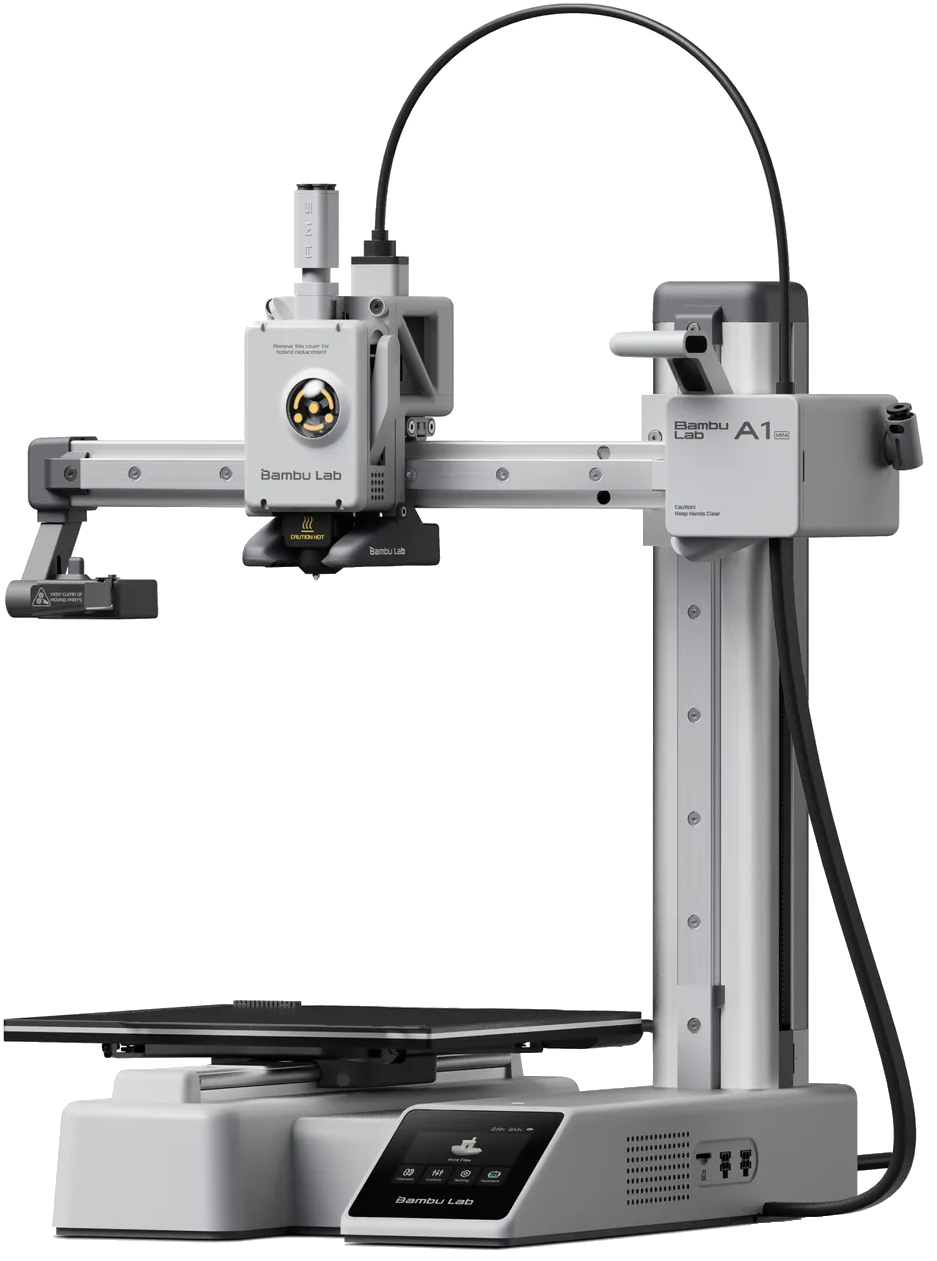
A picture of the A1 mini
¶ Recommended Uses
The A1 mini printers are ONLY to be used with PLA and PETG filaments. Use Printer 3 (the P1S) for other filament types.
There is an exception to the PLA/PETG rule, which is that printer 2 lacks an AMS. This makes it ideal for flexible filaments like eTPU etc. which may be used. Printer 1 and 3 need to have the AMS bypassed to use flexible filaments so we'd rather you just use printer 2 in these cases.
¶ Specifications
- Names: Printer 1 (AMS) and Printer 2
- Usage Cost: $1.50/hr (50% off for BYO filament)
- Induction Class: 🟡 Orange Tool (Induction Required)
- Print Area: 180mm(L) x 180mm(W) x 180mm(H)
- Nozzle Size: 0.4mm
- Max Nozzle Temp: 300°C
- Layer Heights: 0.1mm - 0.45mm
- Max Bed Temp: 80°C
- Supported Filaments: PLA, PETG (see note about flexible filaments above)
¶ Induction Process
💻 This tool uses our self-service online induction system.
Please read this entire wiki page before starting the induction. All of our Bambu filament printers can be used after completing this induction, including printer 3.
¶ Induction Steps
- Read this entire wiki page and refer back to it if needed during the online induction.
- Open the link below, login with your member portal account, then tap the enroll button:
https://learn.brisbanemaker.space/course/view.php?id=3
After you've completed the online induction, you can use this tool immediately. However, if you want some support using it, please drop by a Monday open night or ask in #digifab on Discord.
¶ Safety Information
¶ Potential Hazards
| Potential Hazard | Details |
|---|---|
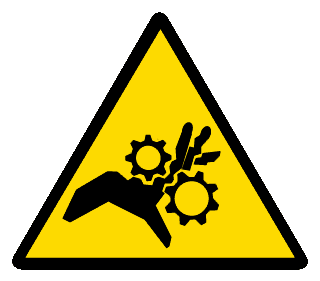 Entanglement |
The 3D printers have a moving print bed and hotend that can entangle hair or loose clothing. |
 Hot Surface |
The nozzle and print bed can reach temperatures above 50°C, which can cause 1st and 2nd degree burns. |
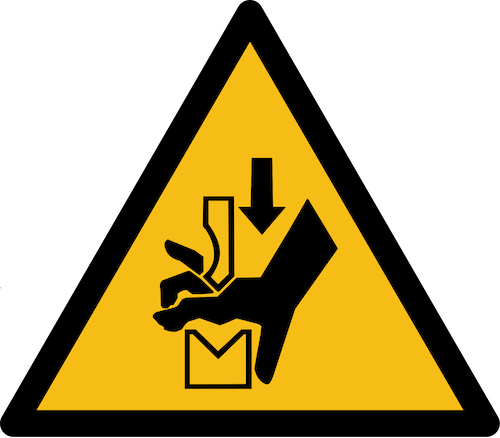 Danger of Crush Injuries |
The print bed, X-axis and hotend move quickly and can result in appendages being crushed. |
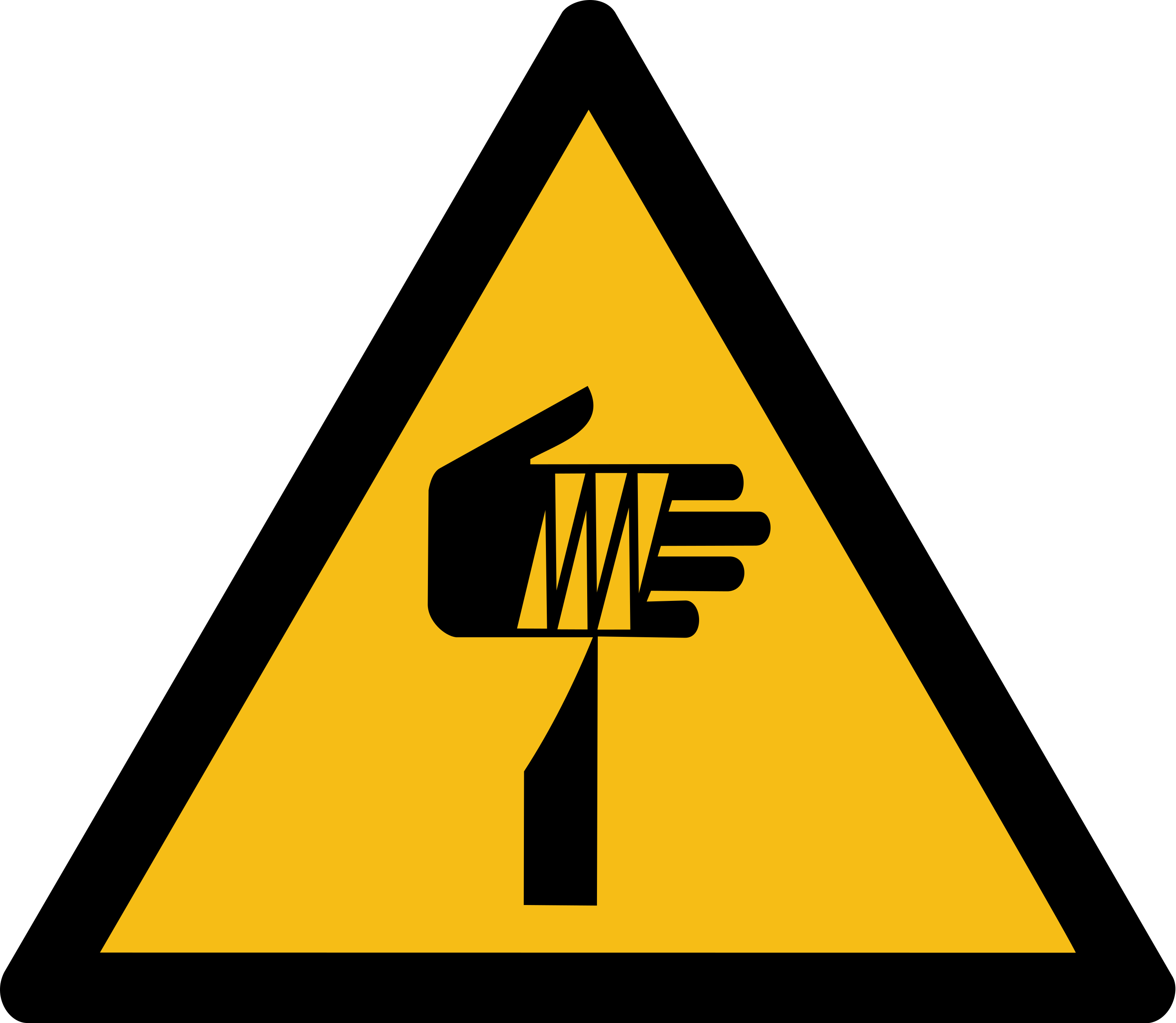 Sharp Element |
The purge wiper (left-hand side of printer) has a blunt serated edge that could cause injury if enough pressure is applied to the skin. |
¶ Prohibitions
| Prohibition | Details |
|---|---|
 No Reaching In |
Do not reach into the printer work envelope while the printer is active. Pause or stop the current job before reaching into the working envelope. |
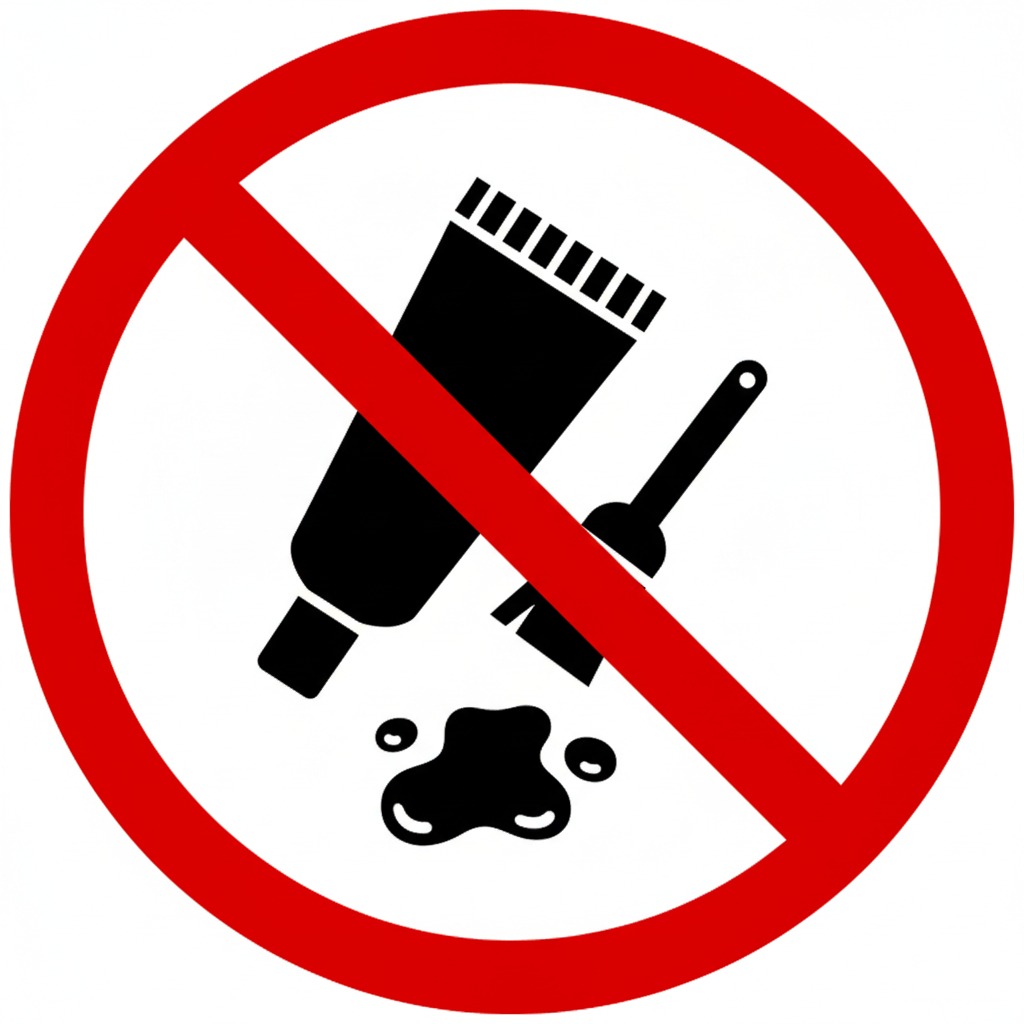 No Adhesives |
Do not use adhesives on the textured build plates. If print layers are lifting from the build plate, consult the Troubleshooting section. |
¶ Slicing Software
These printers require the use of the Bambu Studio slicing software. This software is very easy to use and allows connection to our printers via WiFi.
Bambu Studio is installed on our Mac computers ready to go (bring your model on a USB flash drive, send it via AirDrop, or login to google drive etc.). However, you can also install it on your own computer. This allows you to get an estimate on printing time in advance, or send print jobs directly from your own laptop. Bambu Studio supports macOS, Windows and Linux.
¶ Download Bambu Studio Here
It is possible to use OrcaSlicer, an open-source fork of Bambu Studio, with the A1 mini. However, we cannot support you if you run into issues while using it and we don't recommend using it.
¶ Connecting via Bambu Slicer
You may be required to enter an access code for the printers when you try to connect to them from Bambu Slicer. Enter the appropriate access code as written below.
| Printer Name | Access Code | Position |
|---|---|---|
| Printer 1 (AMS) | 82643552 |
Right |
| Printer 2 | 10648999 |
Middle |
| Printer 3 (P1S) | See Here | Left |
¶ How To Operate
You should be familiar with how to operate this tool after completing an induction. However, a quick reference guide is included below to assist you.
¶ Before Use
DO NOT USE GLUE OR OTHER ADHESIVES ON THE TEXTURED PEI BUILD PLATE.
The textured build plates, when clean, are designed to ensure the first layer adheres to the build plate.
If your first layers are lifting, head to the Troubleshooting section to learn how to solve this.
- Check that the bed is clear of plastic, fingerprints, and other debris.
- Consider rubbing down the bed with isopropyl alcohol spray bottle (marked "IPA 100") and paper towel to clear any residual plastic. If fingerprints or other marks persist, consider washing the plate in the sink with warm soapy water to ensure good adhesion.
- Please don't use cleaning or other chemicals as they can damage the bed.
- Check that the right filament has been loaded into the machine, and you've selected the correct filament in Bambu Studio.
¶ Changing Filament in AMS
Printers with an AMS (Printer 1 & 3)
- Ensure the printer is not currently printing.
- Gently press and hold the release lever (yellow or white).
- While continuing to hold the release lever, slowly pull the filament out of the printer ensuring you never let go of it. If you let go, it will unravel and tangle the spool causing print jams.
- Once the filament has been fully removed, insert it into the two holes on the side of the roll and pull tight to secure it in place.
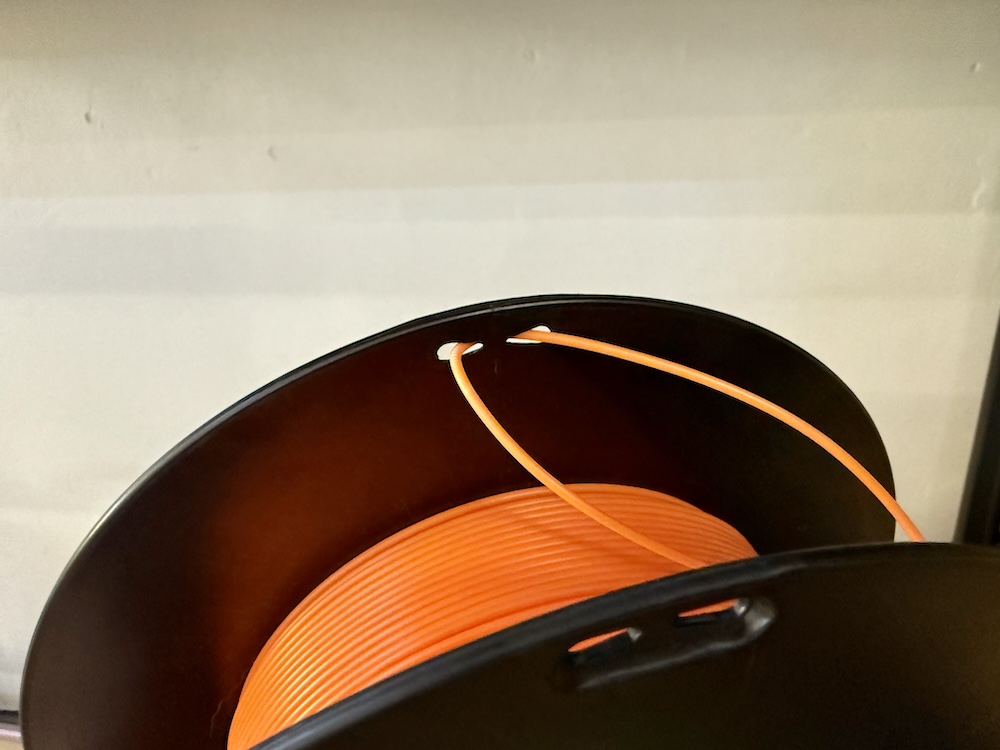
- Gently push the new filament into the empty slot and wait for the AMS to start pulling it in automatically.
¶ During Use
- Check on the printer once every 30 minutes if you're on site.
- If you wish to leave a print unattended, you can do so at your own risk, but please post a message in Discord as a courtesy if it's going to take a while. You should also use the portal webcam page to check on your print periodically.
- Regularly check the object has not come off the build plate and it's still printing correctly.
¶ After Use
- Wait for the print bed to cool down before removing it.
- Flex the print bed to release your object. You may need to use a (plastic) spatula to help it off.
- Clean up all bits of loose filament / plastic from around the print area, and gently use side cutters to remove excess plastic from the print bed but do not use metal tools directly on the print bed.
- Once all plastic has been removed, please wipe down the plate with the isopropyl alcohol spray bottle marked "IPA 100" and paper towel. If there are fingerprints or other marks visible on the plate, please wash the plate in the sink with soapy water and dry with paper towel before returning it to the printer.
¶ Troubleshooting
| Issue | Usual Cause | Resolution |
|---|---|---|
| Stringing/strands of plastic around print | Hotend temperature is too high for the filament material | Check the maximum and optimal temperature of the filament and match those settings in your slicer. You may need to manually adjust it from the default profile. |
| Print lifting from the build plate | Build plate is dirty | Clean the build plate by following the Bambu Labs Textured PEI Plate Cleaning Guide |
¶ Brisbane Makerspace Stocked Materials
We try to keep the following filaments in stock for members to use but check ahead of time if you need something specific. Filament is included in the hourly machine cost. We recommend using these unless you have a special need, as they've been chosen to work well with our machines and have calibrated profiles. If you'd like to request a specific colour or material please ask in #digifab on Discord and we can add it to the next order.
¶ 1.75mm eSUN PLA+ Filament
- Black
- White
- Red
- Blue
- Orange
- Green
- Yellow
- Various other colours on request
¶ 1.75mm eSUN ABS+ Filament
Note: for use in the Bambu Lab P1S (printer 3) ONLY - it just won't print on the A1 minis.
- Black
- White
¶ 1.75mm eSUN PETG Filament
- Black
¶ Other
The above is what we try to keep stocked. However, there's also tonnes of other random colours, textures and sometimes materials like flexible TPU. Be sure to check the filament storage area for an up to date list.